Migrating from Flickr to self-hosted Immich
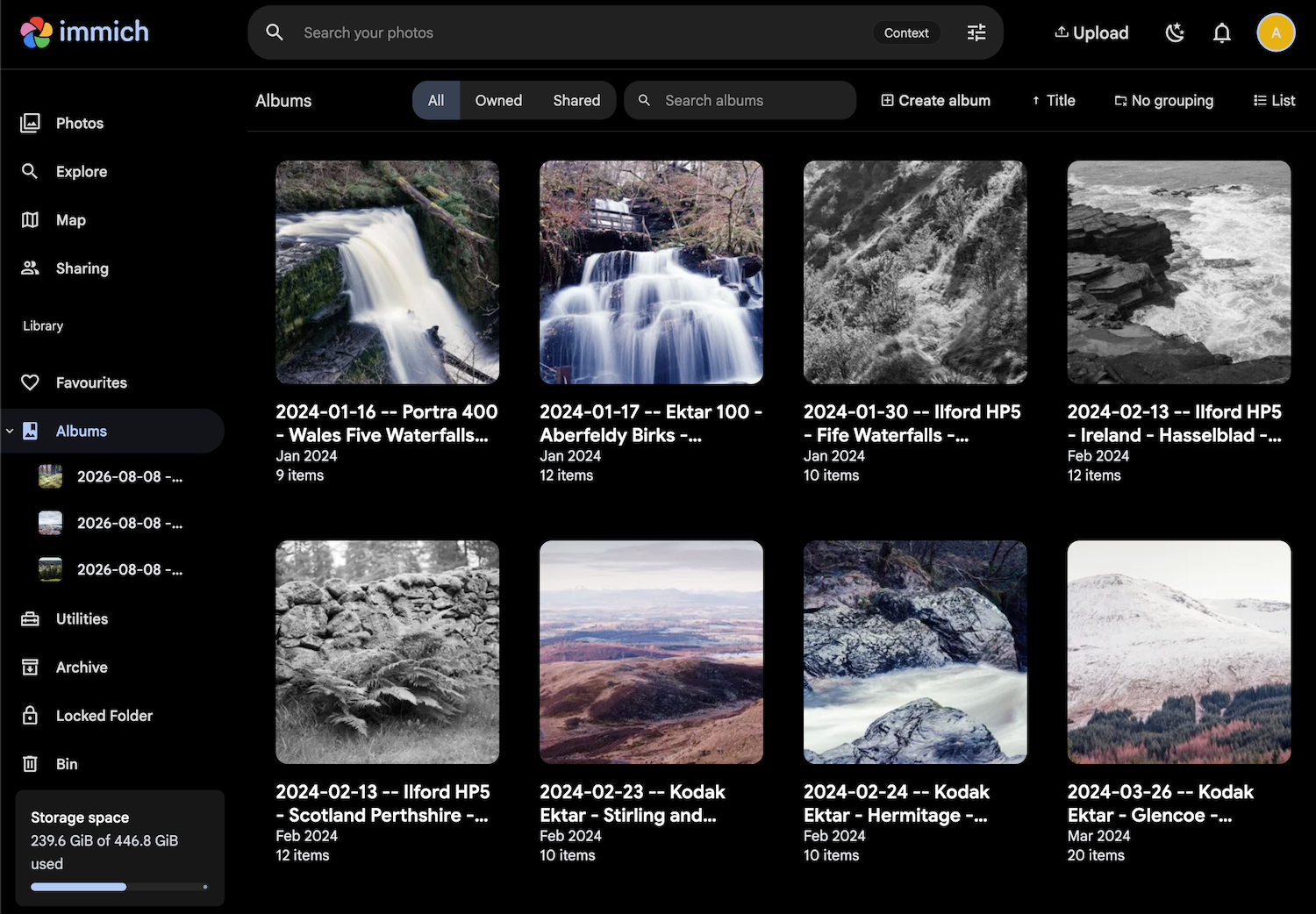
I’ve been using Flickr since 2008. Since then I’ve accumulated:
- 26000 photos
- 800 albums
- 160 Gb of data
My photography these days is mainly done on film. Which is to say, there isn’t that many new pictures coming in every day. But the film scans themselves are quite big in size and resolution, and I’d love to keep it that way.
Flickr was a fine option for this sort of usage. Its UX hasn’t really evolved much since 2008, the upload and edit functionality specifically are pretty much exactly as they always used to be. It can be slow at times, and uploads of a particularly large files would fail occasionally. But overall - a fine photo hosting option, costing about £70 / year for an unlimited storage.
Lately though it started pushing more of 3rd party cookies, started requiring a mandatory age check, and in general having your pictures freely available online seems like an invitation for them to be scraped into one more massive AI training dataset. So I’ve started looking into a home server options.
Apparently you can have latest Ubuntu Server running perfectly fine on a dusty old Macbook Pro from the year 2014.
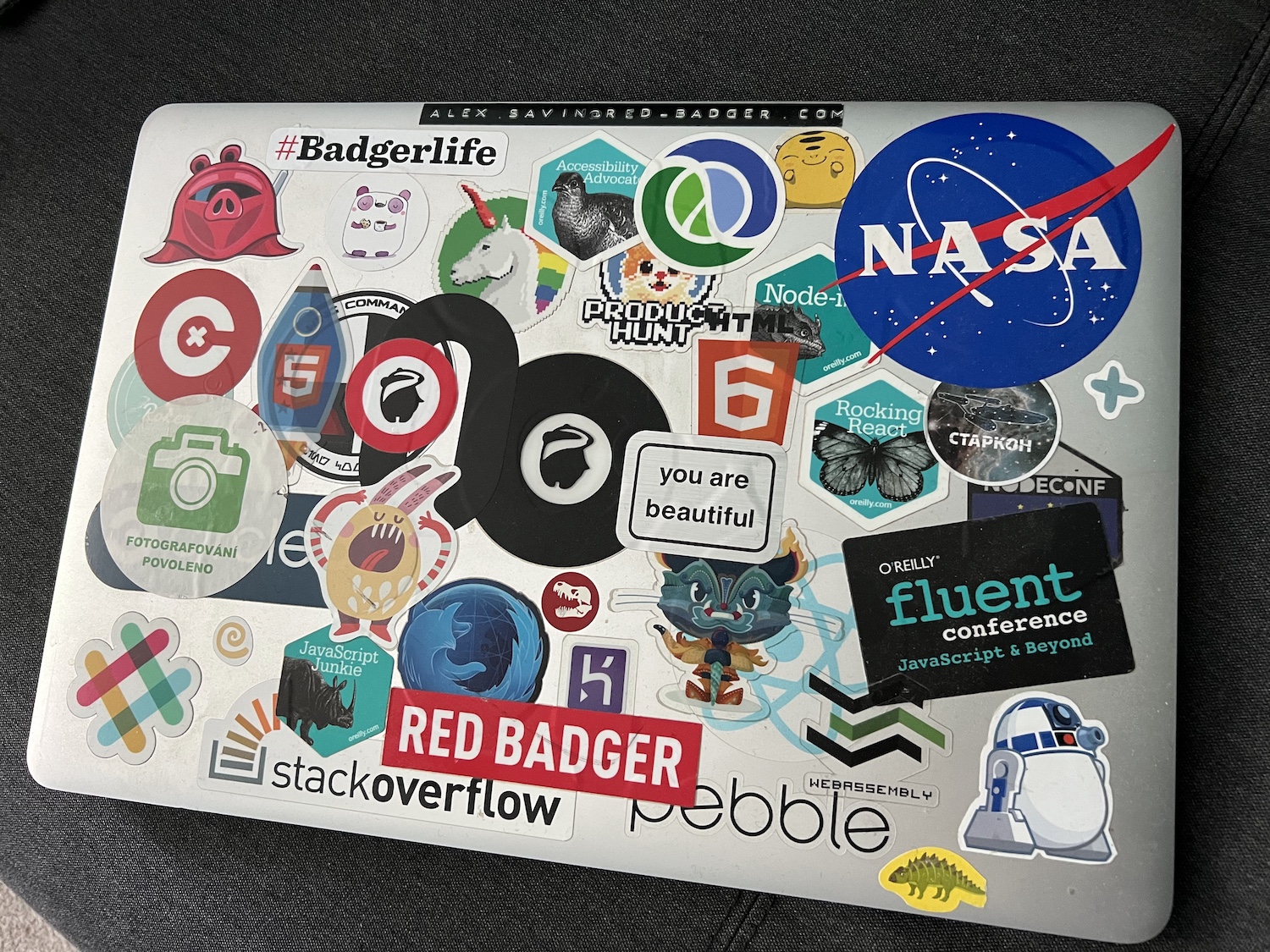
This Macbook used to be my primary computer for a number of years, still running some old MacOS, with 16Gb of RAM and 500Gb hard drive. Considering you can run a server on a Raspberry Pi, this machine is more than enough for my home needs.
Couple of important caveats for a server:
- It must be connected to a power source, since it would be turned on 24/7
- It must be connected via an Ethernet cable, since wi-fi support in Ubuntu server can be spotty, and servers in general should not be on wi-fi.
Installing Ubuntu Server took maybe couple of hours, most of which I’ve spent consulting with Claude on the installation settings. Claude is amazing at these things, and to be honest could probably take over the process at any moment. Last time I was installing Ubuntu back in 2010 for the purposes of Ruby on Rails development. Since then I’ve been mostly on MacOS, and with Macs in general you don’t get this “new OS installation” excitement, and a dread of getting something horribly wrong.
Or maybe I’m just lucky.
Flickr data takeout
There is a button to request all your data from Flickr. Once pressed it took a couple of day to package everything and make it available for download.
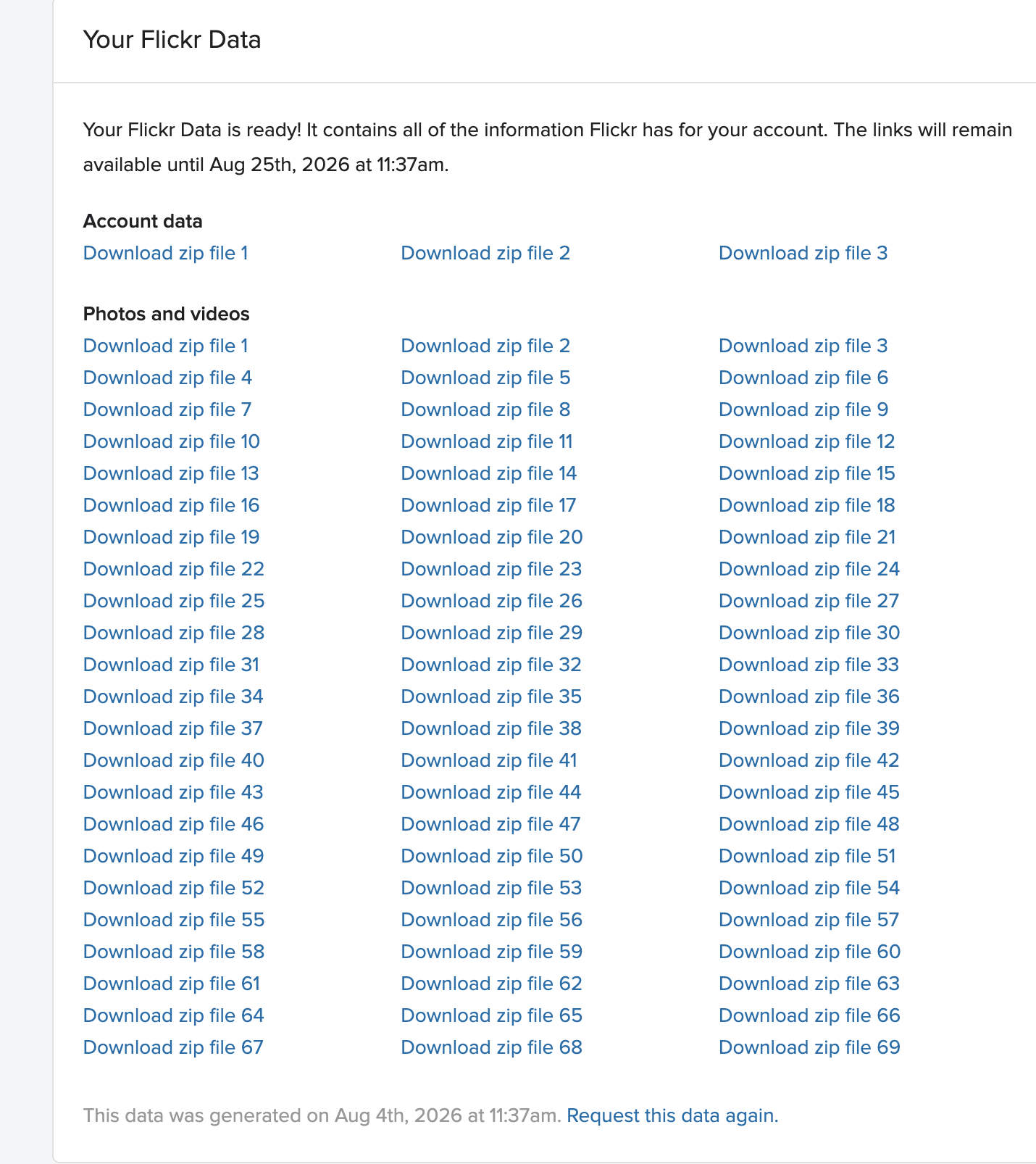
In the best of traditions for a data takeout, it was a list of links to 69 different zip files for the photos, and 3 more zip files for account data.
Luckily, all download links contained the auth tokens, which meant you could grab them all, put into a file, and ask wget to download them all.
Once all downloaded and extracted, you are left with a massive collection of jpeg and json files. No folders, no albums, and crucially - no metadata for the jpegs. The metadata is contained in a variety of json files.
Import into Immich
Immich is a surprisingly solid and completely free photo hosting app. It largely resembles Google Photos, runs from a Docker container, and contains its own Postgres instance.
Immich doesn’t have an “import from Flickr” option. But it can pick up details from EXIF data of the image itself. Which means we could:
- Extract details from Flickr JSON files
- Embed details as EXIF data into JPEG files
- Upload modified JPEGs to Immich
You might notice a missing bit here about re-creating albums on Immich - all 800 of them ideally. I’ll get back to that, promise.
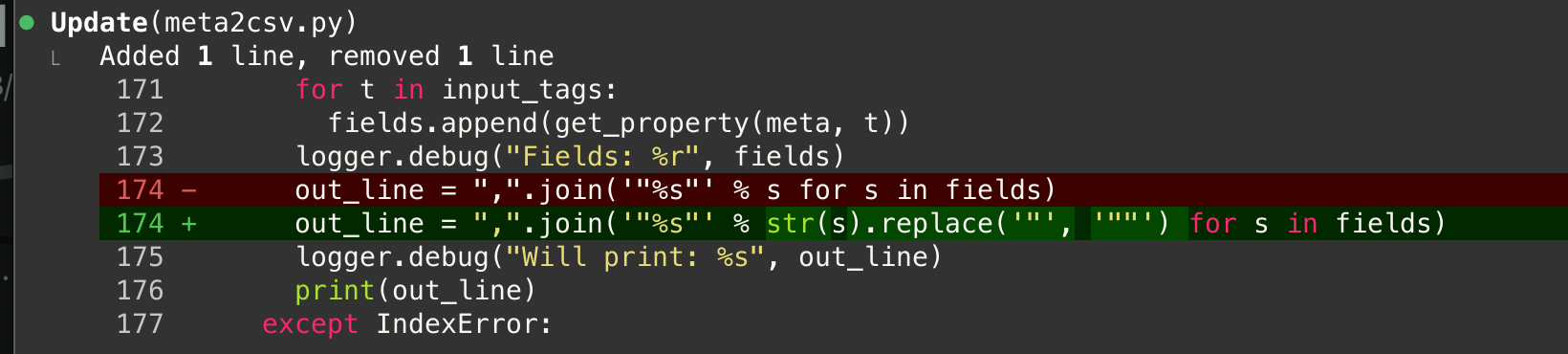
Flickr-meta-export was used to extract metadata into a CSV, which in turn was used with ExifTool to embed into JPEG files. It worked mostly fine, with one bug related to using quotes in metadata. This is a bit of an edge case, but I’ve had some historical metadata using quotes. Luckily, Claude was happy to fix this issue for me.
Immich-go was then used to bulk upload EXIF-modified photos to Immich.
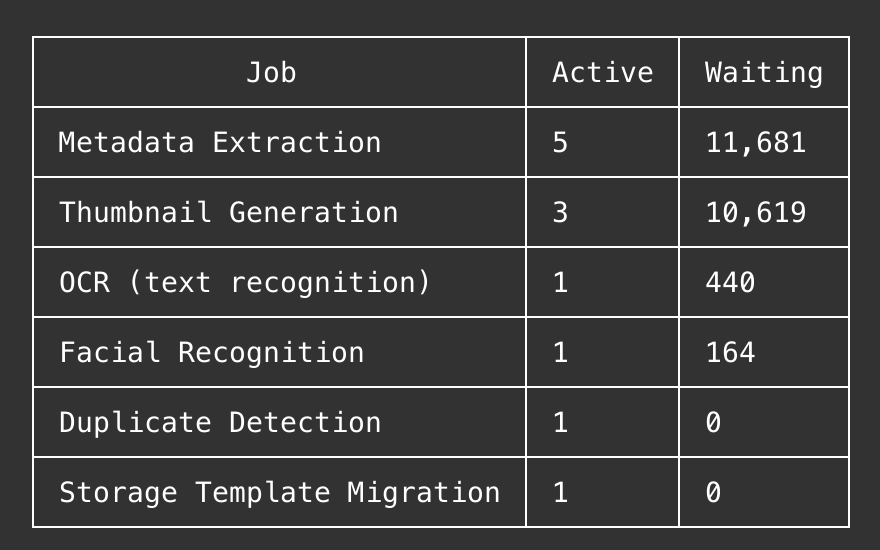
Worth noticing that when uploading thousands of photos to Immich, it will immediately schedule and kick-off a series of jobs. By default those will include:
- Thumbnails generation
- Face recognition
- OCR
- Metadata extraction
- Search indexing
- Video conversion - if you have any videos
This will manifest in CPU usage going up to 99% and staying there for some time. I’ve ended up disabling face recognition and OCR as features to spare my decade old CPU. Immich allows some degree of config via settings UI, however you can do even more via its RESTful API. Just get an API key and unleash Claude onto it.
Albums
After all of the above I’ve got all the photos correctly imported into Immich, with metadata and dates. But still no albums.
Turned out, Flickr had them stored in a separate albums.json file. Or maybe Immich was not able to pick up and auto-create albums based on EXIF data alone. Either way, this had to be addressed separately.
I’ve created immich-flickr-albums script that will:
- Take
albums.jsonfrom Flickr export - Perform Flickr photo ID matching based on filenames
- Batch create albums on Immich with the matched details
It also allows --dry-run option to try things first without actually committing them to Immich.
This worked like a charm, and now I have a fully restored photo collection, including all 800+ original albums.
Conclusion
I used to endorse cloud hosted photo solutions because they used to be well made, often with best tech, free or very affordable, and with a user-first mindset. These times are now in the past, prices went up, usability mostly stayed in 2010:s, and in fact got much worst now with all the age check regulations and cross-site tracking.
Not to say I’d be abandoning Instagram or other social media. But the main repository for all my new photos will be a private instance of Immich.
Now, what was that promise of AT protocol of Bluesky that I could own my account data? Maybe that could be the next step?